E-Shram Card: Registration, Apply Online, Benefits, Payment Status, Balance Check, Download
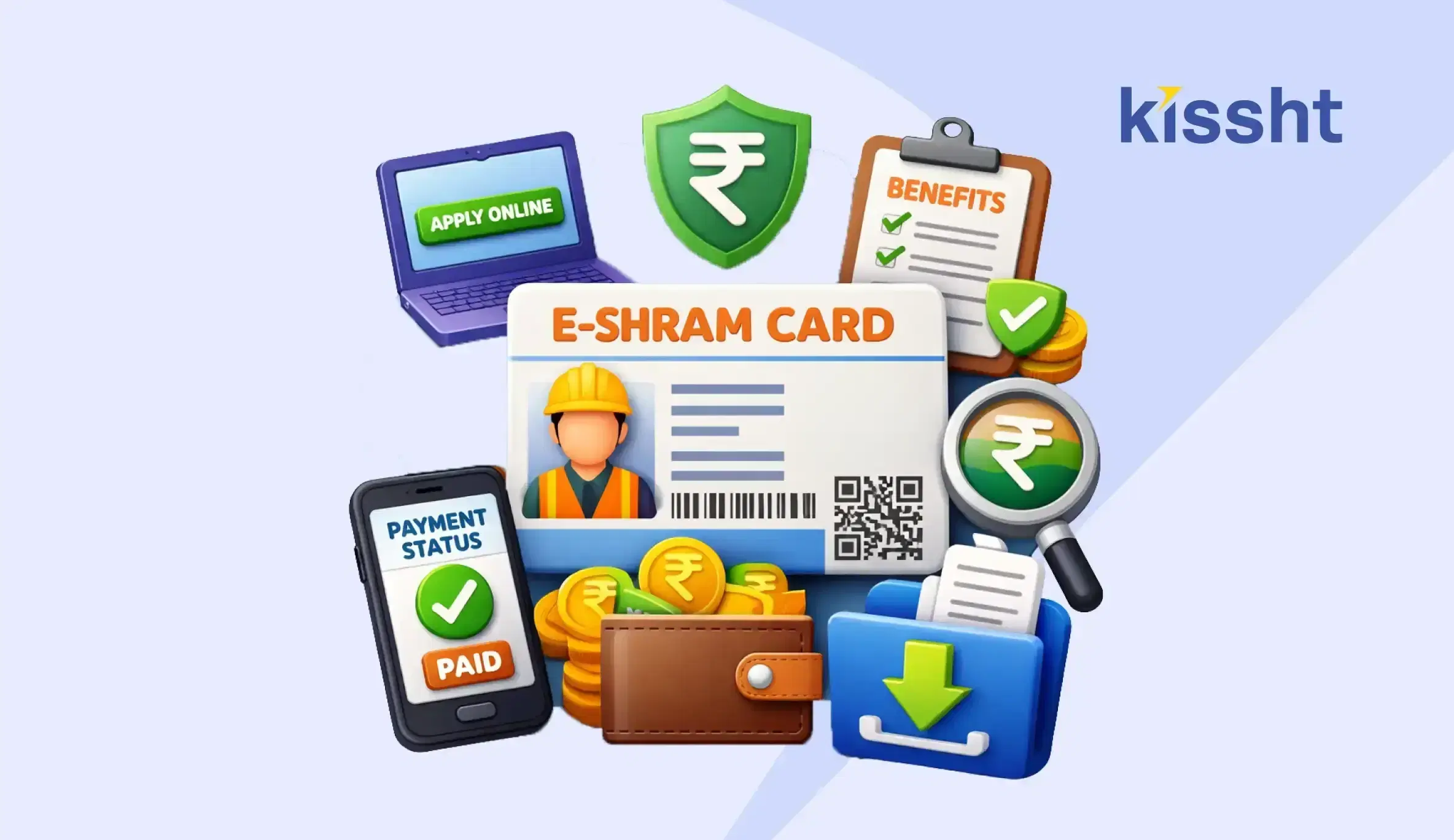
The E-Shram initiative was introduced to create a comprehensive database of workers in the unorganised sector. It helps provide access to social security schemes and ensures that workers receive benefits designed to support their financial and occupational well-being.
The E-Shram card is issued through the E-Shram portal and serves as an identity for unorganised workers across India. With features like E-Shram card registration, online application, and easy access to benefits, the system simplifies access to government support.
What Is an E-Shram Card
The E-Shram card is a unique identification card provided to workers in the unorganised sector. It is linked to a centralised database that helps the government track and extend benefits to eligible individuals.
This initiative covers workers such as construction labourers, street vendors, domestic workers, and gig workers, ensuring wider inclusion.
Key Features of E-Shram Card
-
Unique Identification Number
Each worker receives a 12-digit Universal Account Number (UAN). This number remains constant and can be used across different schemes and services.
-
Nationwide Validity
The card is valid across India, making it useful for workers who migrate between states. This ensures continuity of benefits regardless of location.
-
Integration with Social Security Schemes
The E-Shram database is linked to various welfare schemes. This enables workers to access benefits such as insurance and financial assistance more easily.
E-Shram Card Registration Process
The E-Shram card registration process is simple and can be completed online.
Step-by-Step Process
- Visit the official E-Shram portal
- Select the registration option
- Enter Aadhaar-linked mobile number
- Complete OTP verification
- Fill in personal and occupational details
- Submit the form and generate your card
Documents Required for Registration
To complete your E-Shram card application, you need:
- Aadhaar card
- Mobile number linked to Aadhaar
- Bank account details
Providing accurate information helps ensure successful registration.
E-Shram Card Benefits
The E-Shram card benefits are designed to support workers financially, socially, and professionally.
-
Access to Government Schemes
Registered workers can benefit from various welfare schemes offered by the government. This improves financial security and ensures access to support systems during times of need.
-
Insurance Coverage
Workers may receive accidental insurance coverage under applicable schemes. This provides financial protection and helps reduce financial stress in case of unforeseen events.
-
Skill Development and Training Opportunities
The E-Shram database also helps workers access skill development programs and training initiatives. These opportunities can improve employability and enable workers to explore better job prospects over time.
-
Improved Employment Opportunities
The platform can connect workers with relevant job opportunities based on their skills and experience. This helps individuals find work more efficiently and supports long-term income stability.
How to Download E-Shram Card
After registration, you can complete your E-Shram card download easily.
Steps to Download
- Visit the E-Shram portal
- Log in using your details
- Access your profile
- Download the card
You can also complete the E-Shram card download using mobile number or the E-Shram card download using Aadhaar number, depending on your login method.
How to Check E-Shram Card Status
To perform an E-Shram card status check, follow these steps:
- Visit the official portal
- Log in using your credentials
- Check application or registration status
This helps ensure that your application has been processed successfully.
How to Check E-Shram Card Balance
Many users look for ways to check their E-Shram card balance, especially when benefits are linked to financial assistance.
Steps to Check Balance
- Visit the official portal or linked service
- Log in using your details
- Check available benefits or payment updates
Regular tracking helps you stay updated on any credited benefits.
Role of Financial Planning for Workers
While government schemes like the E-Shram card provide essential support, individuals may still face financial needs for personal or family expenses.
In such situations, options like a personal loan can help manage short-term requirements. Using a personal loan EMI calculator allows individuals to plan repayments effectively before borrowing.
Digital platforms can make access to funds more convenient when required. Kissht offers structured borrowing options that can support financial planning when used responsibly.
Comparison Table: E-Shram Card Overview
| Feature | Details |
|---|---|
| Scheme Name | E-Shram |
| Target Group | Unorganised workers |
| Registration Mode | Online via portal |
| ID Type | Universal Account Number (UAN) |
| Benefits | Social security and welfare schemes |
Final Thoughts
The E-Shram card is an important initiative aimed at improving the financial and social security of unorganised workers in India. With a simple registration process and access to multiple benefits, it helps create a more inclusive system for workforce support. Understanding how to apply, download, and use the card ensures that individuals can make the most of this scheme.
FAQs
Q1. What is an E-Shram card?
The E-Shram card is a government-issued identification card for unorganised workers to access welfare benefits.
Q2. How can I apply for an E-Shram card online?
You can complete the E-Shram card online application process through the official portal by submitting your details.
Q3. How can I download my E-Shram card?
You can complete the E-Shram card download through the portal using your login credentials.
Q4. How do I check the E-Shram card status?
You can perform an E-Shram card status check by logging into the portal and viewing your application details.



Instant Loans at Your Fingertips


Personal Loan
Fast, hassle-free loan for your personal needs.

Business Loan
Fuel your business growth with quick approvals.

Loan Against Property
Unlock your property’s value with ease.

Credit Pulse
Boost your credit score with smart insights.

Track your credit score
Simply enter your mobile number to get a quick overview of your credit score.
Check Now
Related articles
Apr 23, 2026
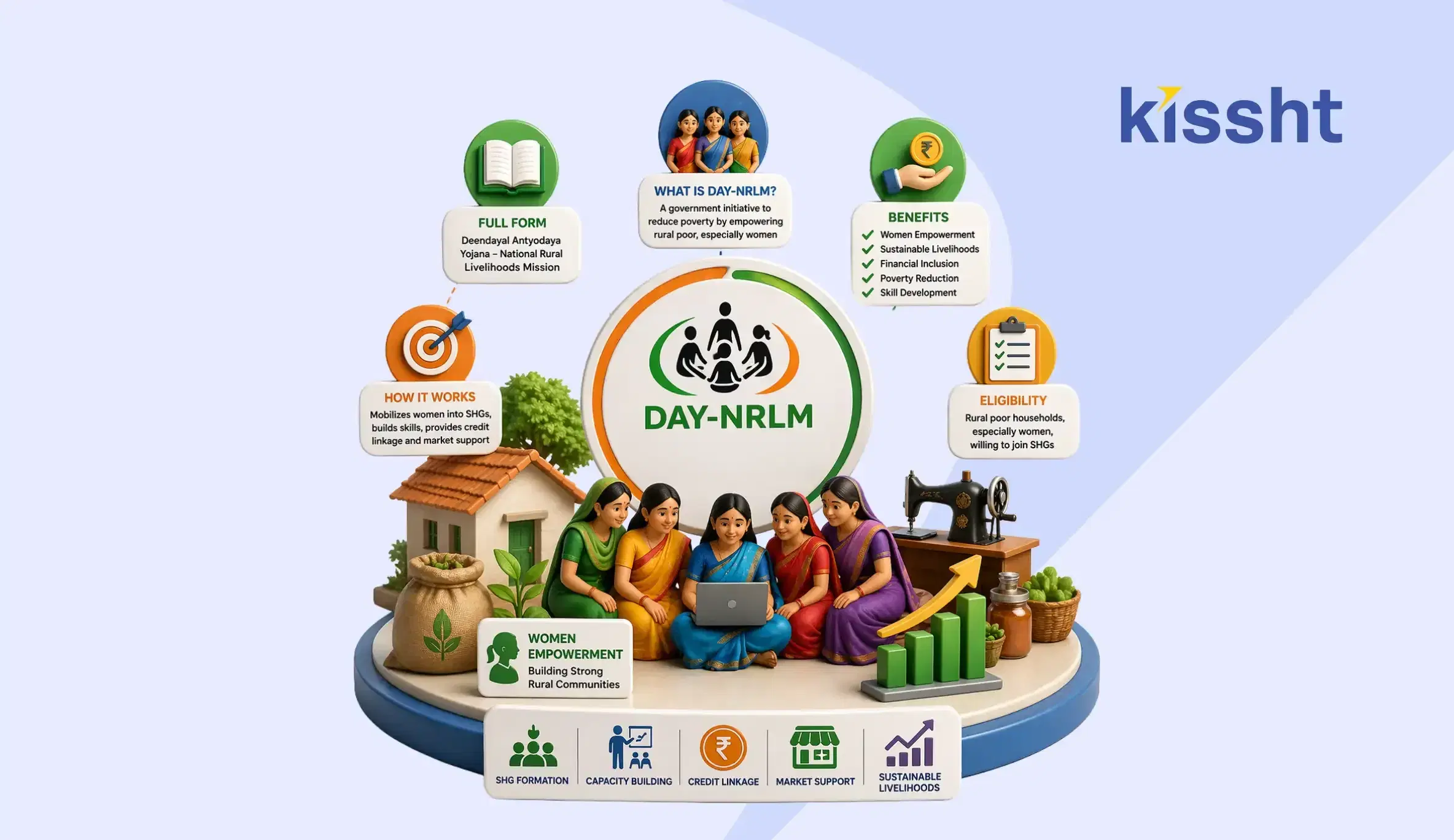
DAY-NRLM Scheme Explained: Full Form, Benefits, Eligibility & How It Works
Apr 23, 2026
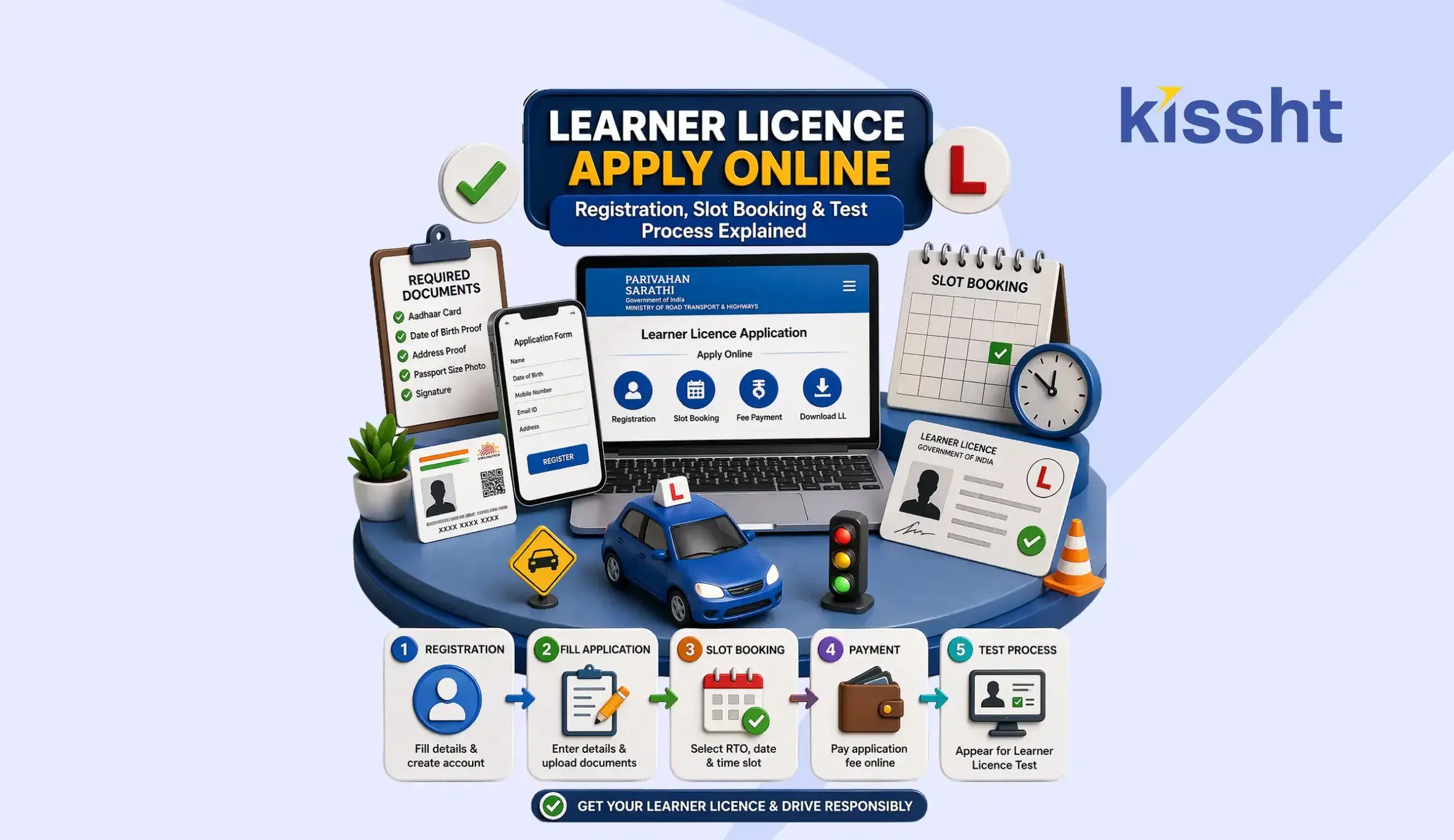
Learner Licence Apply Online: Registration, Slot Booking & Test Process Explained
Apr 22, 2026
How to Apply for a PAN Card for Minor in India: Step-by-Step Guide
Apr 25, 2026
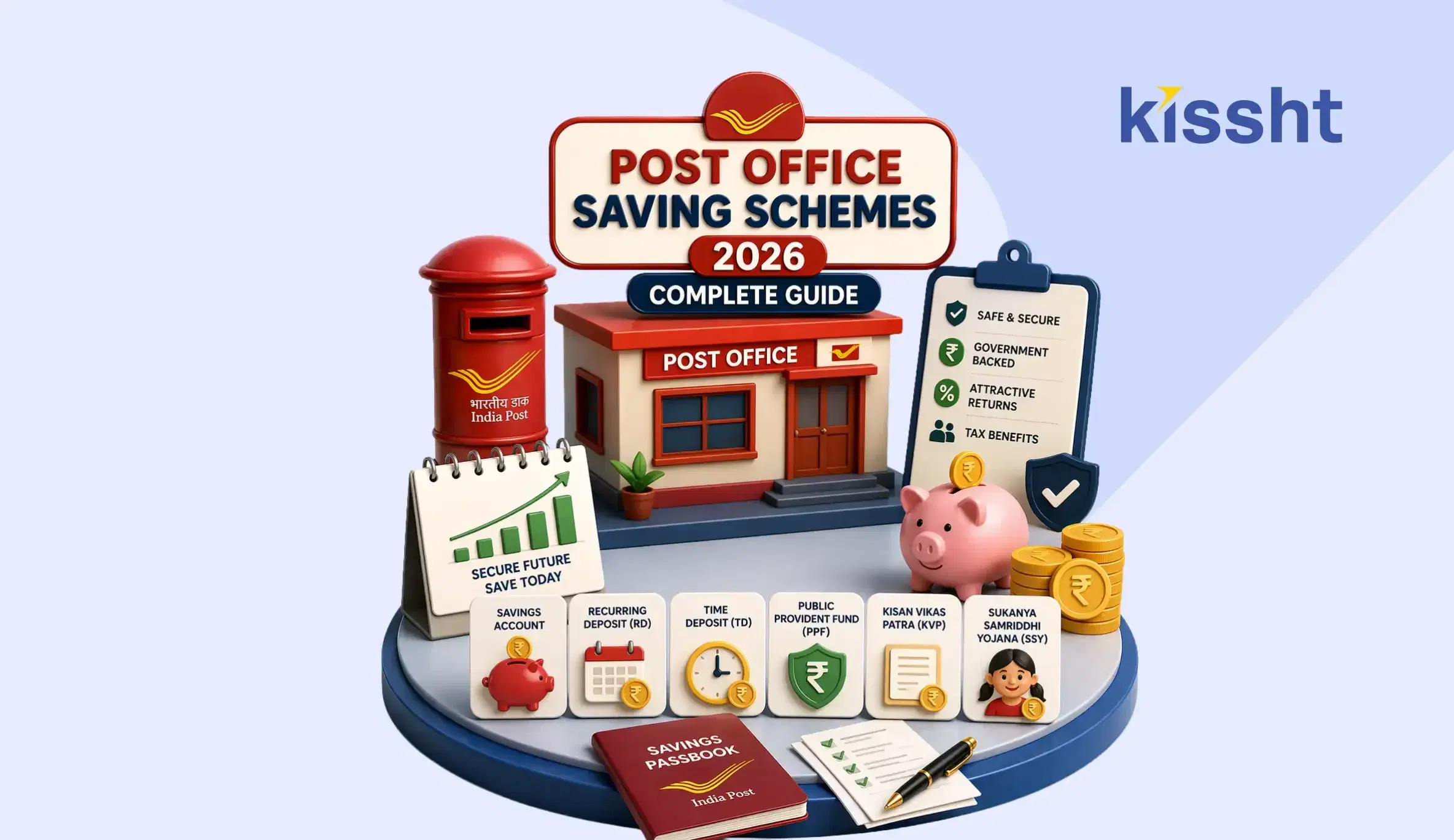
Post Office Saving Schemes 2026: Complete Guide

Apr 26, 2026
How to Use AI to Make Money in the Stock Market
Apr 25, 2026
CSIS Scheme Explained: Eligibility, Benefits & How to Apply (2026 Guide)
Apr 19, 2026
What is BNPL? Meaning, Benefits & How Buy Now Pay Later Works in India
Apr 19, 2026
How to Transfer Money from Credit Card to Bank Account

Apr 19, 2026
Pradhan Mantri Viksit Bharat Rozgar Yojana: Complete Guide
Apr 19, 2026
What is an Overdraft Facility? Meaning, Features & Benefits in India
Apr 19, 2026
How to Change Name in Passport: Step-by-Step Process

Apr 19, 2026