How to Update Photo in Aadhaar Card
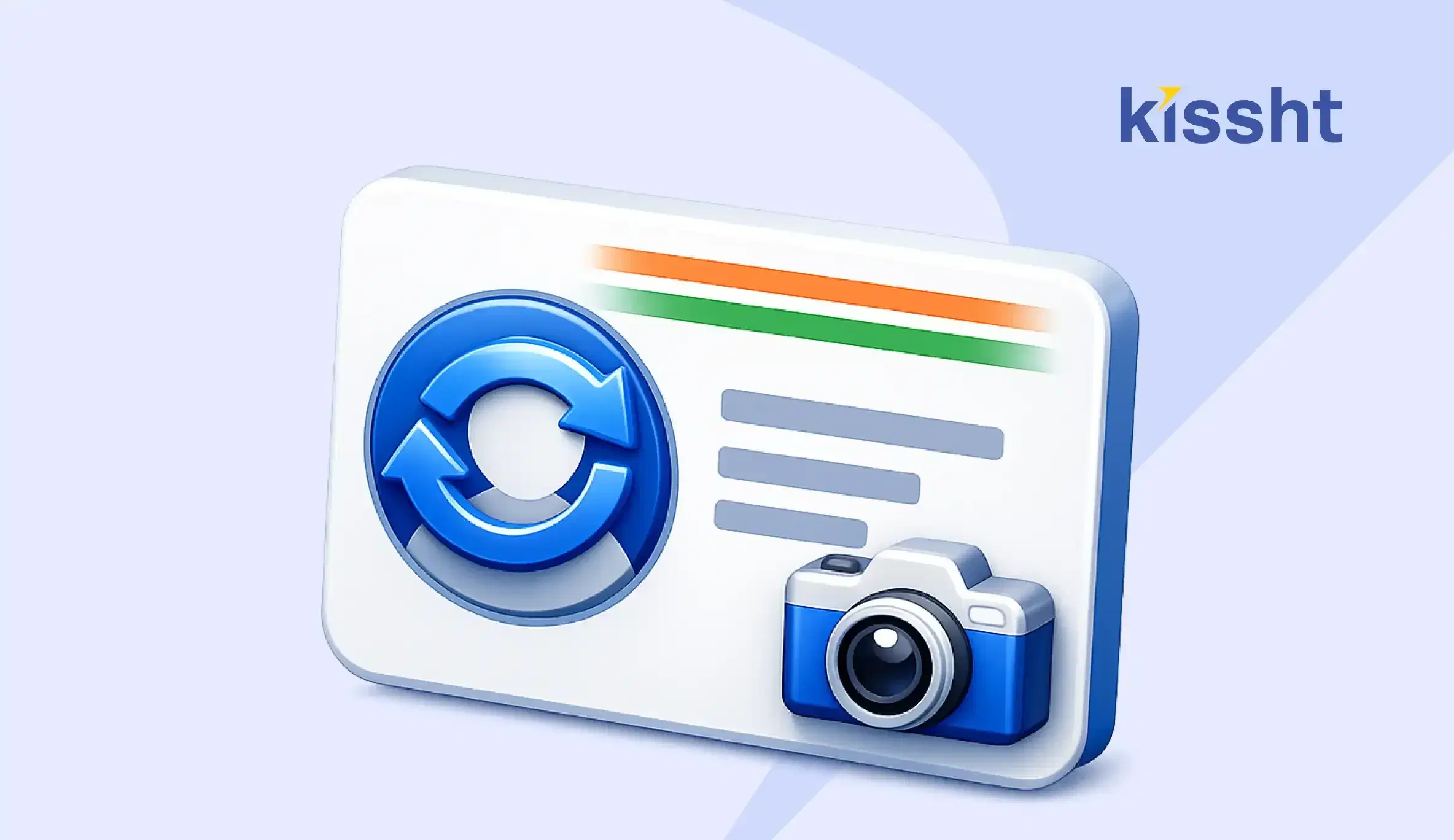
An Aadhaar card is one of the most important identity documents in India, used for everything from banking to government services. Over time, your appearance may change, making it necessary to update your Aadhaar photo to ensure it accurately reflects your current identity.
If you are wondering how to change your Aadhaar card photo, the process is straightforward but requires visiting an authorised Aadhaar enrolment or update centre. Keeping your details updated, including your photograph, is essential for smooth verification across services such as banking, KYC processes, and even applying for a personal loan through a quick loan app like Kissht, where identity verification plays a key role.
Why Updating Your Aadhaar Photo Is Important
Updating your Aadhaar photo isn't just about appearance. It's important in identity verification across multiple financial and official processes.
Key Reasons to Update Aadhaar Photo
- Ensures accurate identity verification
- Helps avoid delays in KYC processes
- Supports smoother financial transactions
- Reduces chances of verification mismatch
For example, when applying for financial services such as a personal loan, lenders rely on Aadhaar for identity checks. An updated photo helps ensure a seamless verification process and reduces the chances of delays.
Can You Update Aadhaar Photo Online
Many people search for options like Aadhaar card photo change online, but currently, updating your Aadhaar photo requires a physical visit to an Aadhaar Seva Kendra or enrolment centre.
While some Aadhaar details can be updated online, the Aadhaar photo change process must be completed offline to capture a fresh photograph.
Step-by-Step Process to Update Aadhaar Photo
If you're looking for how to change your Aadhaar card photo, follow these steps:
Step 1: Locate the Nearest Aadhaar Centre
Visit an authorised Aadhaar enrolment or update centre near you.
Step 2: Fill the Update Form
Request the Aadhaar update form and fill in the required details.
Step 3: Submit the Form
Submit the completed form to the executive at the centre.
Step 4: Provide Biometric Verification
Your fingerprints and iris scan may be verified for authentication.
Step 5: Capture New Photograph
A new photograph will be taken at the centre for the Aadhaar photo update.
Step 6: Pay the Update Fee
A nominal fee is charged to update your Aadhaar details.
Step 7: Collect Acknowledgement Slip
You will receive an Update Request Number (URN) to track the status.
Documents Required for Aadhaar Photo Update
The good news is that updating your photo usually does not require additional documents if your Aadhaar number is valid.
However, you may carry:
- Aadhaar card
- Identity proof (if required)
The process mainly involves biometric verification and capturing a new photograph.
How to Check Aadhaar Update Status
You can use your URN to track the status.
Steps to Track Status
- Visit the official UIDAI website
- Enter your Update Request Number
- Check the current status
This helps you stay informed about your update Aadhaar photo request.
How Long Does an Aadhaar Photo Update Take
The update process may take a few days to a couple of weeks.
Once processed, you can download your updated Aadhaar card online or receive it by post.
Role of Aadhaar in Financial Services
Aadhaar plays a crucial role in financial transactions and verification processes.
It is widely used for:
- Bank account verification
- KYC compliance
- Loan applications
- Digital financial services
When applying for a personal loan, lenders often verify identity through Aadhaar. Using a personal loan EMI calculator helps plan repayments, while platforms like Kissht and other quick loan apps rely on accurate Aadhaar details for smooth processing.
An updated photograph ensures that your identity verification is seamless and avoids unnecessary delays during financial transactions.
Aadhaar Photo Update Process
| Step | What You Need to Do |
|---|---|
| Visit Centre | Go to authorised Aadhaar centre |
| Fill Form | Complete update request form |
| Verification | Provide biometric details |
| Photo Capture | New photo taken on-site |
| Fee Payment | Pay nominal charges |
| Tracking | Use URN to check status |
Final Thoughts
Updating your Aadhaar photo is a simple yet important step to ensure accurate identity verification across various services. Whether it is for banking, government services, or financial applications, keeping your Aadhaar details current helps avoid delays and ensures a smoother experience. By following the correct process and staying informed, you can complete the update efficiently.
FAQs
Q1. How much does it cost to update an Aadhaar photo?
A nominal fee is charged for updating Aadhaar details.
Q2. How long does an Aadhaar photo update take?
It usually takes a few days to a couple of weeks.
Q3. Why is Aadhaar photo update important?
It ensures accurate identity verification, especially for financial services like loan applications and KYC processes.





Instant Loans at Your Fingertips


Personal Loan
Fast, hassle-free loan for your personal needs.

Business Loan
Fuel your business growth with quick approvals.

Loan Against Property
Unlock your property’s value with ease.

Credit Pulse
Boost your credit score with smart insights.

Track your credit score
Simply enter your mobile number to get a quick overview of your credit score.
Check Now

Related articles
Apr 23, 2026
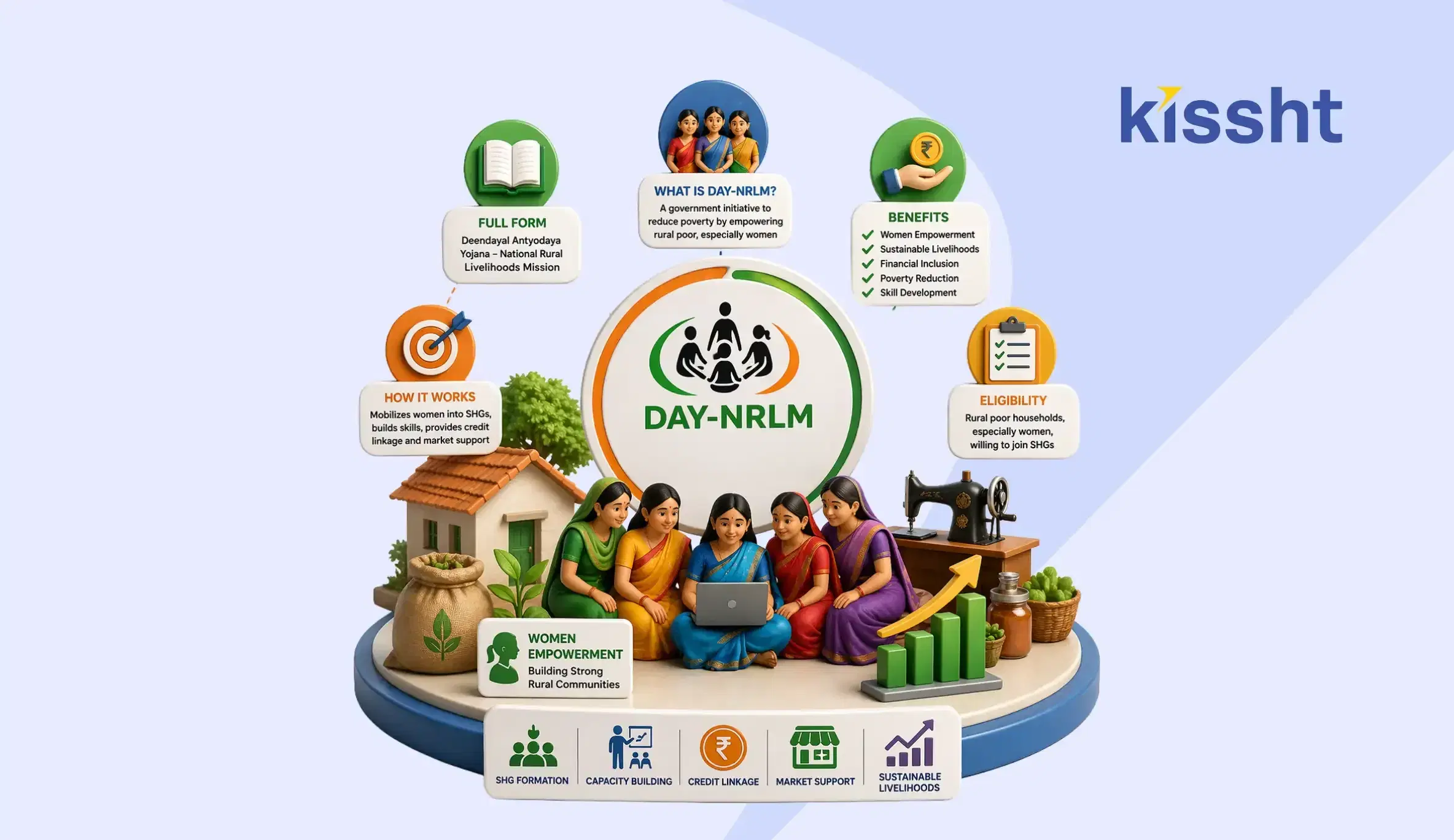
DAY-NRLM Scheme Explained: Full Form, Benefits, Eligibility & How It Works

Apr 23, 2026
Learner Licence Apply Online: Registration, Slot Booking & Test Process Explained
Apr 22, 2026
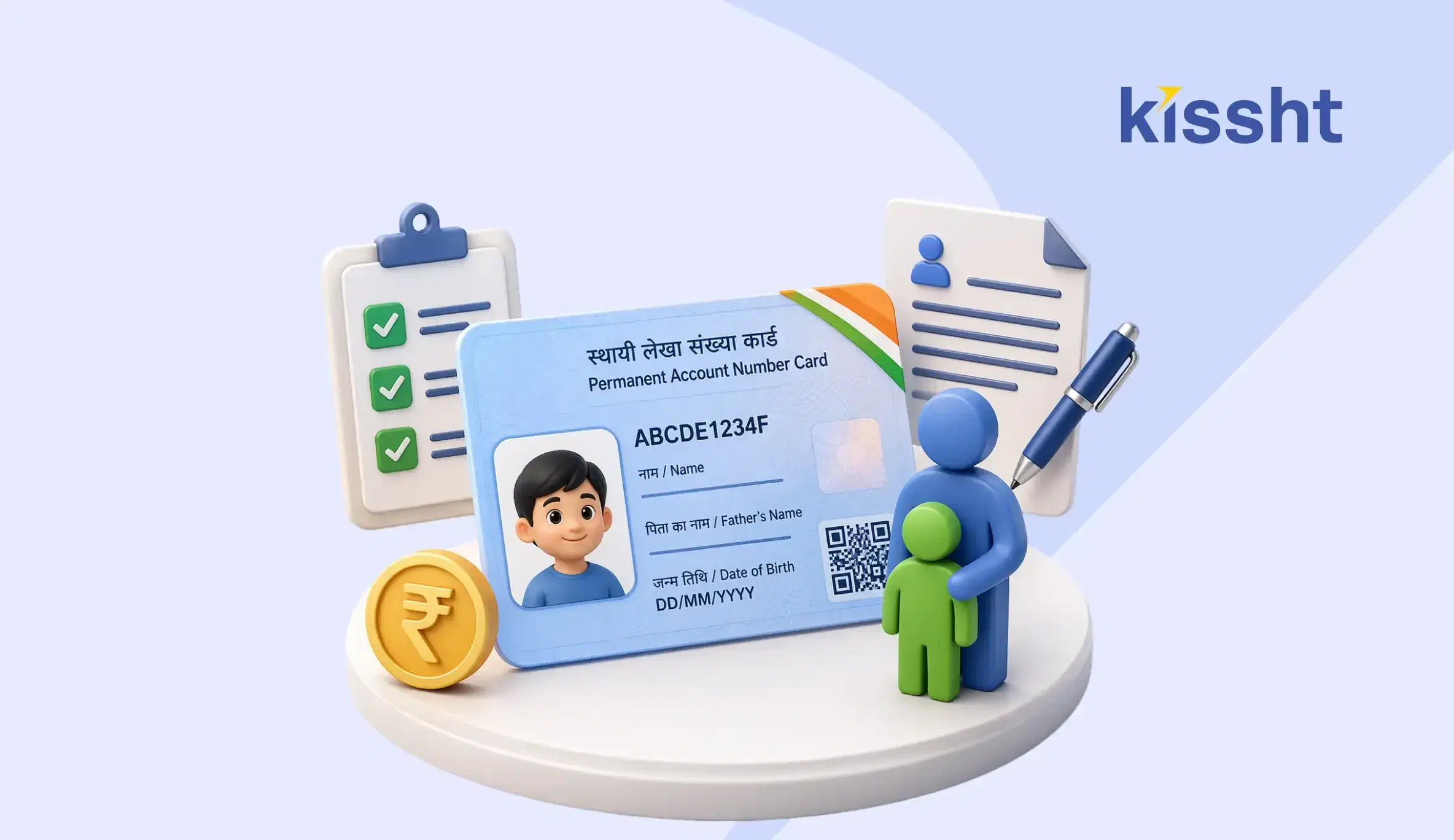
How to Apply for a PAN Card for Minor in India: Step-by-Step Guide

Apr 25, 2026
Post Office Saving Schemes 2026: Complete Guide

Apr 26, 2026
How to Use AI to Make Money in the Stock Market
Apr 25, 2026
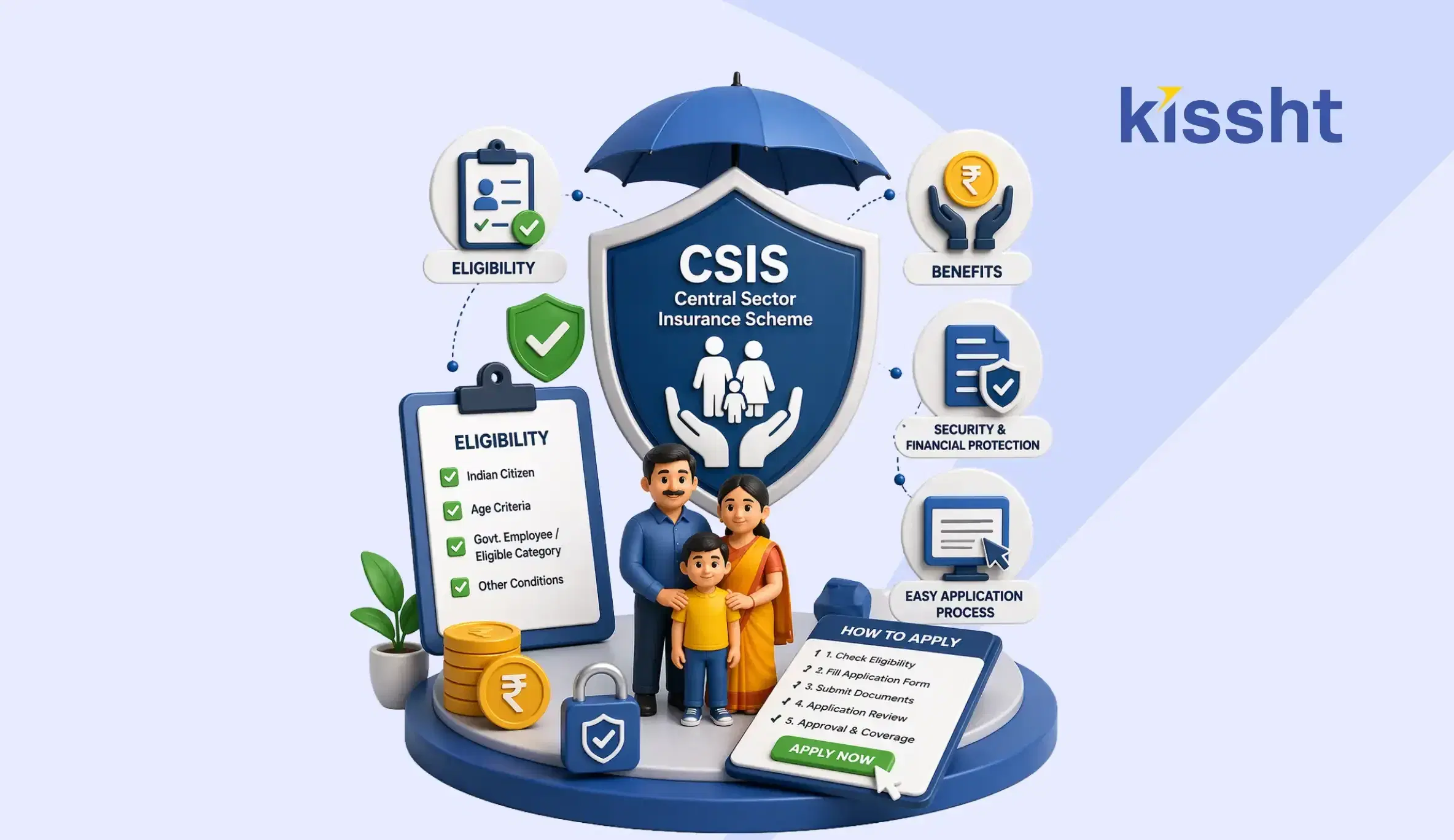
CSIS Scheme Explained: Eligibility, Benefits & How to Apply (2026 Guide)

Apr 19, 2026
What is BNPL? Meaning, Benefits & How Buy Now Pay Later Works in India

Apr 19, 2026
How to Transfer Money from Credit Card to Bank Account

Apr 19, 2026
Pradhan Mantri Viksit Bharat Rozgar Yojana: Complete Guide
Apr 19, 2026
What is an Overdraft Facility? Meaning, Features & Benefits in India
Apr 19, 2026
How to Change Name in Passport: Step-by-Step Process

Apr 19, 2026